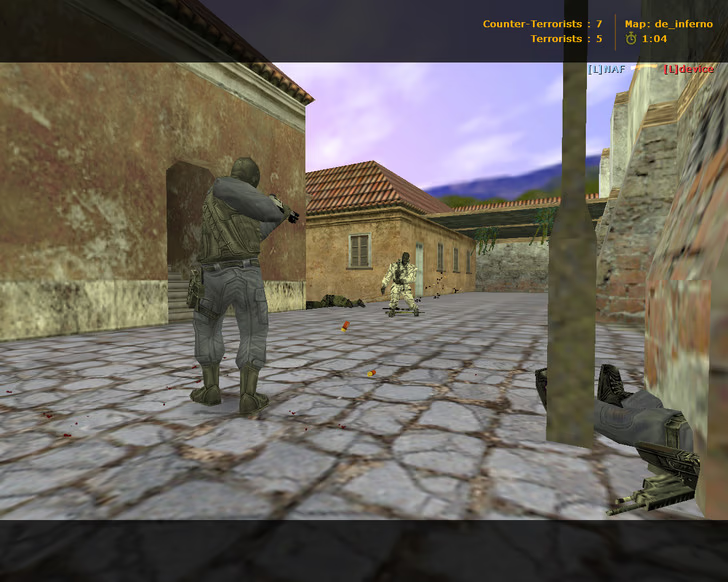
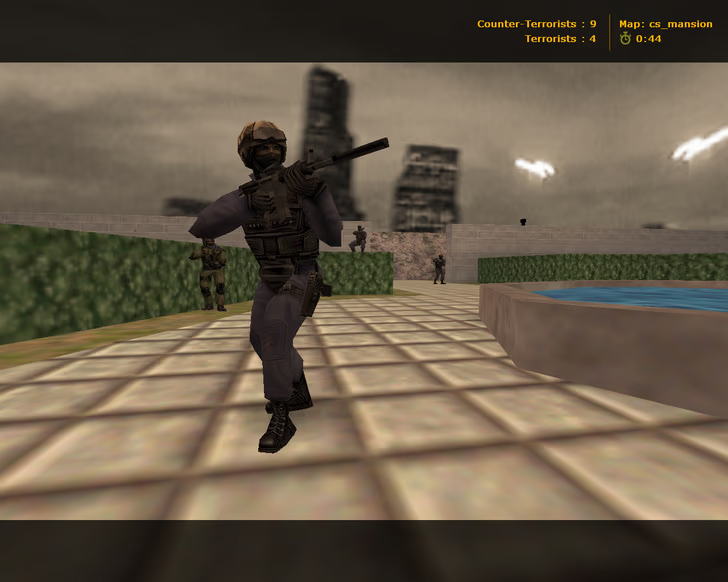
CS 1.6 Favorite is a custom Counter-Strike 1.6 build designed with a calm and atmospheric visual style. The build focuses on a dark interface and a night-time theme while fully preserving the original CS 1.6 mechanics, balance, and performance.
Build differences
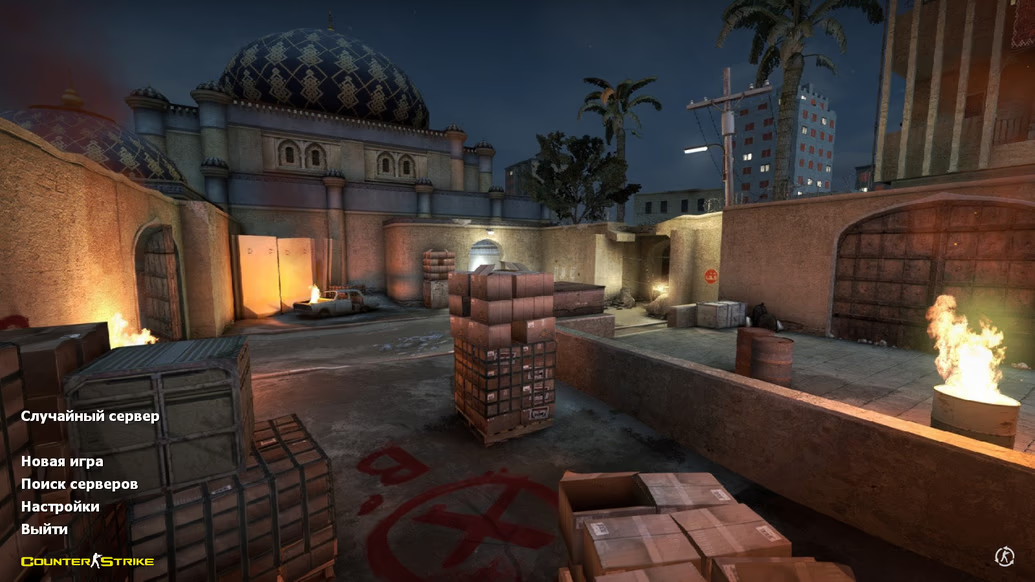
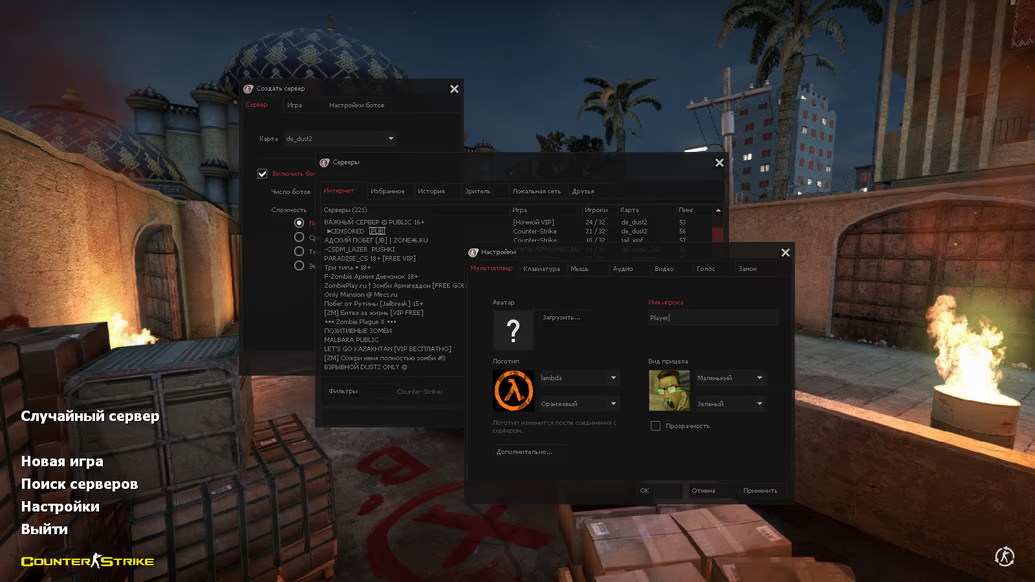
- Dark menu theme with red elements
- Main menu background featuring Night Dust2 from CS:GO at bombsite B
- Optimized configuration file
- Custom menu music track
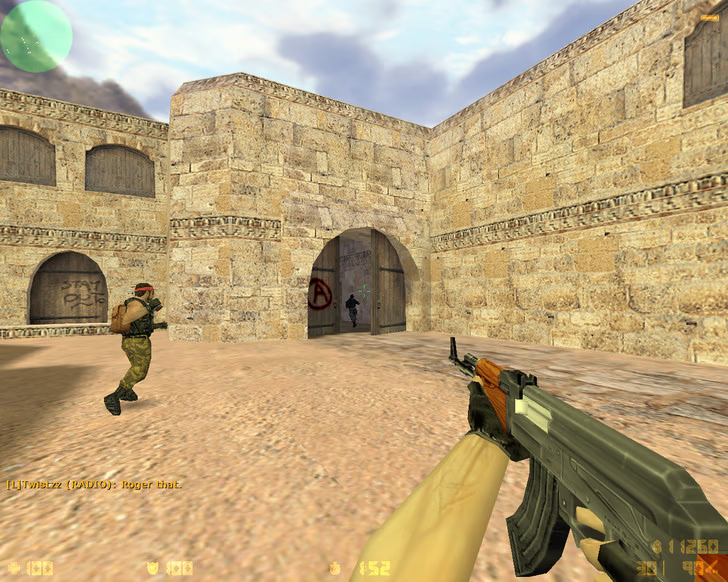
- Cloudy evening sky
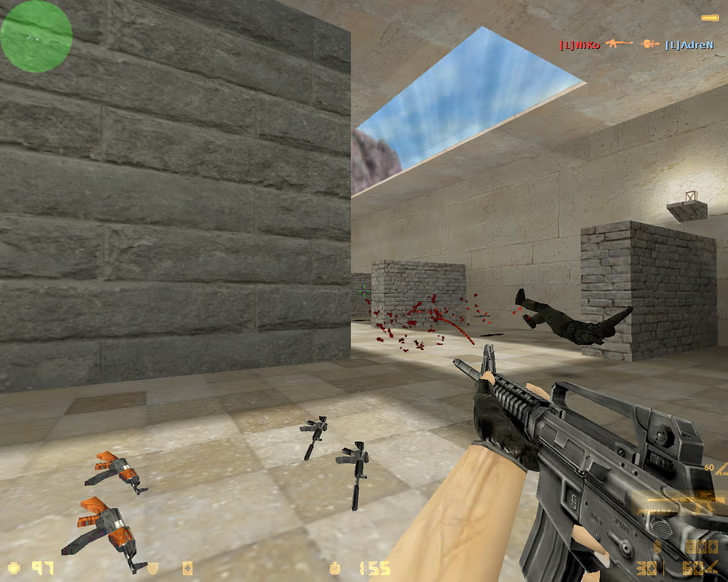
- Updated radar
- Custom CS 1.6 Favorite launch icon
Main advantages
- Classic Counter-Strike 1.6 gameplay fully preserved
- Stable FPS and smooth performance
- Compatible with all Windows versions
- Online play with 250+ available servers
- Offline play with bots on any map
- Support for installing any mods
- Protection against malicious server commands
Installation instructions
- Download CS 1.6 Favorite.exe
- Run the installer and select language
- Choose installation path and desktop shortcut
- Wait for installation to finish
- Launch the game
- Choose New Game or Find Server
CS 1.6 Favorite is a great choice for players who prefer a clean and atmospheric design with subtle enhancements while enjoying the familiar and competitive Counter-Strike 1.6 experience.

 Азербайджанский
 Английский
 Казахский
 Узбекский
 Украинский